Simple Text Shining Effect with jQuery - shining
| File Size: | 4.49 KB |
|---|---|
| Views Total: | 7026 |
| Last Update: | |
| Publish Date: | |
| Official Website: | Go to website |
| License: | MIT |

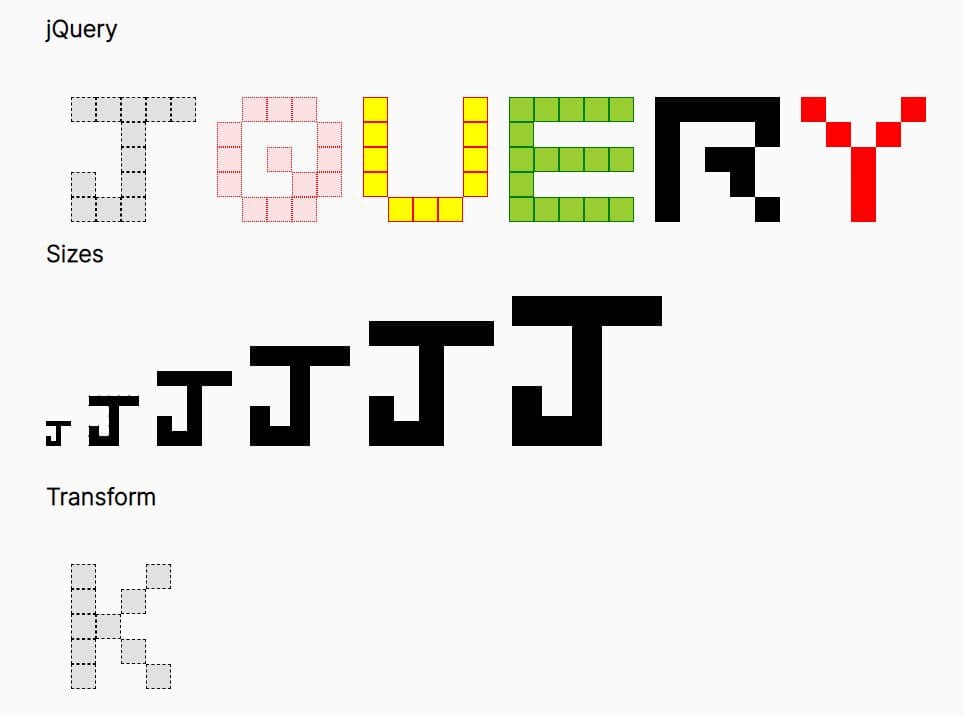
shining is a super simple jQuery plugin used to create an animated shining effect on your text.
How to use it:
1. Include the jQuery javascript library and jQuery shining plugin on the web page.
<script src="jquery.min.js"></script>
<script src="jquery.shining.js"></script>
2. Call the plugin on the text. This will animate the text with shining effect on mouse click.
$(function(){
  $("#text").click(
    function() { $(this).shineText(); }
  );
});
3. Possible options to customize the shining effect.
$(this).shineText({

  // animation speed
  speed: 50,

  // default class
  shineClass: "shine",

  // fired on complete
  complete: null

})
4. The required CSS to style the shining effect.
.shine {
  text-shadow: 0px 0px 24px #fff;
  color: #fff;
}
This awesome jQuery plugin is developed by kostasx. For more Advanced Usages, please check the demo page or visit the official website.